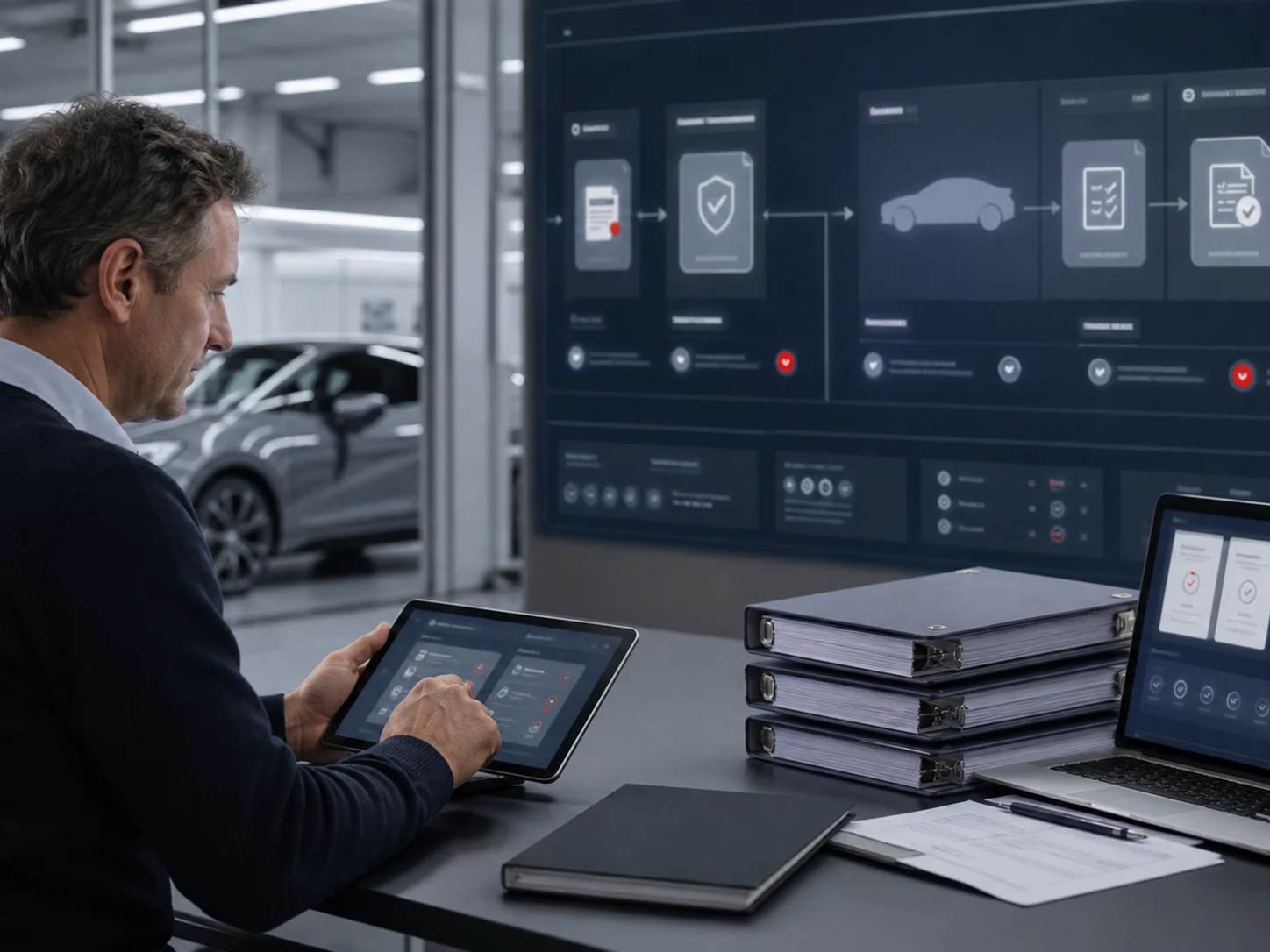
eCoCFebruary 10, 2024
What Is Electronic COC?
A clear explanation of Electronic COC and how it helps manufacturers control eCoC readiness, IVI XML, signing and certificate delivery.
Read time: 5 minRead more

If your team already prepares CoC documents, moving to a digital workflow should begin with understanding the data you have. Re-entering every field may not be the best starting point. Importing supported source documents can help create vehicle drafts, while giving your team a clear opportunity to check the result before it becomes an XML output.
A scanned certificate, a photograph and a structured Excel document are different sources. “Paper CoC import” should not be read as a promise that every file can be processed in the same way. Confirm that your company’s enabled import workflow supports the documents you use. The training video uses three Excel CoC documents; it does not demonstrate automatic extraction from every PDF or scan.
Check the selected active template against the vehicle profile in the source document. Review the VIN, profile and field mappings before confirming the relevant rows. Information being present in the original document does not, by itself, establish that it has reached the correct destination field. The mapping review is part of the preparation process.
Open the created draft and examine the individual vehicle information. Complete missing fields from the appropriate production or approval source rather than entering estimates to move past a form. For multi-stage vehicles, check which stage the source document represents and which information you are responsible for adding or updating.
After reviewing the data, generate the XML and examine the validation results. If you make changes, regenerate the output so that the file matches the current record. Import is a way to bring information into the preparation workflow; it is not a substitute for validation, signing or the requirements of an authority connection.
Share a representative CoC format with us. We can assess what can be reused and where your team will need to review or complete the data.
Updated: 17 October 2026 · Electronic COC Platform
Continue with Electronic COC articles that connect eCoC readiness, manufacturer rollout and certificate release control.
A clear explanation of Electronic COC and how it helps manufacturers control eCoC readiness, IVI XML, signing and certificate delivery.

How an Electronic Certificate of Conformity platform supports manufacturer teams with readiness visibility, ownership and release control.
A practical guide for moving certificate work away from paper, scattered files and unclear eCoC handovers.