eCoCFebruary 10, 2024
What Is Electronic COC?
A clear explanation of Electronic COC and how it helps manufacturers control eCoC readiness, IVI XML, signing and certificate delivery.
Read time: 5 minRead more
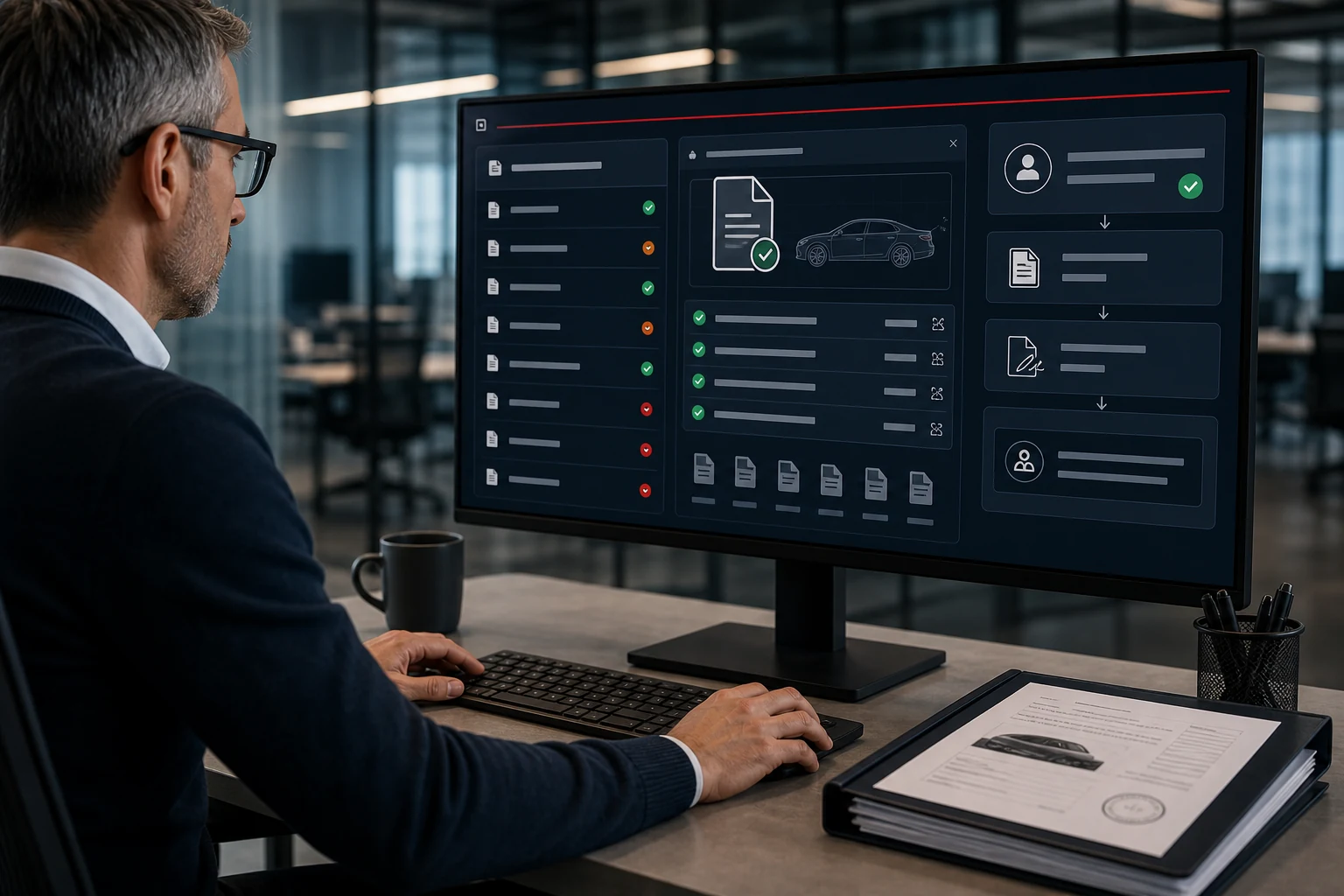
When vehicle information already exists in another file, entering it again is an obvious source of duplicated work. Using VECTO-related source data in eCoC preparation can help address that duplication. The useful question is not simply whether a file can be uploaded, but whether it is supported, matched to the right vehicle and reviewed before the next step.
Files used in a VECTO-related workflow may differ in structure and content. Confirm that the import module enabled for your company supports your actual source files. The video illustrates the import process with three training XML files. They are not genuine VECTO simulation results, so the demonstration should not be taken as validation of a particular production file.
After selecting the active template and relevant record settings, review the vehicle identity and mappings. Before confirming multiple rows, make sure each belongs to the vehicle you intend to prepare. Similar filenames or vehicles from the same series can make a mismatch less obvious. Use the record details rather than the filename alone.
An imported file may provide useful data without containing everything needed for the eCoC record. Review the transferred values and complete the remaining fields from the appropriate sources. If two sources disagree, resolve the discrepancy with the responsible technical person rather than silently accepting one value. This keeps an import from carrying an unresolved data issue further into the process.
Once the draft is complete, generate the XML and review the checks. A value that appears reasonable on its own may still conflict with another part of the vehicle record. Import completion and XML validation therefore answer different questions. Electronic COC Platform brings these stages into the same record workflow so your team can follow the preparation through.
Let’s review your source files and current data flow to see where supported imports could reduce repeated entry.
Updated: 17 October 2026 · Electronic COC Platform
Continue with Electronic COC articles that connect eCoC readiness, manufacturer rollout and certificate release control.
A clear explanation of Electronic COC and how it helps manufacturers control eCoC readiness, IVI XML, signing and certificate delivery.

How an Electronic Certificate of Conformity platform supports manufacturer teams with readiness visibility, ownership and release control.

A practical guide for moving certificate work away from paper, scattered files and unclear eCoC handovers.