eCoCFebruary 10, 2024
What Is Electronic COC?
A clear explanation of Electronic COC and how it helps manufacturers control eCoC readiness, IVI XML, signing and certificate delivery.
Read time: 5 minRead more

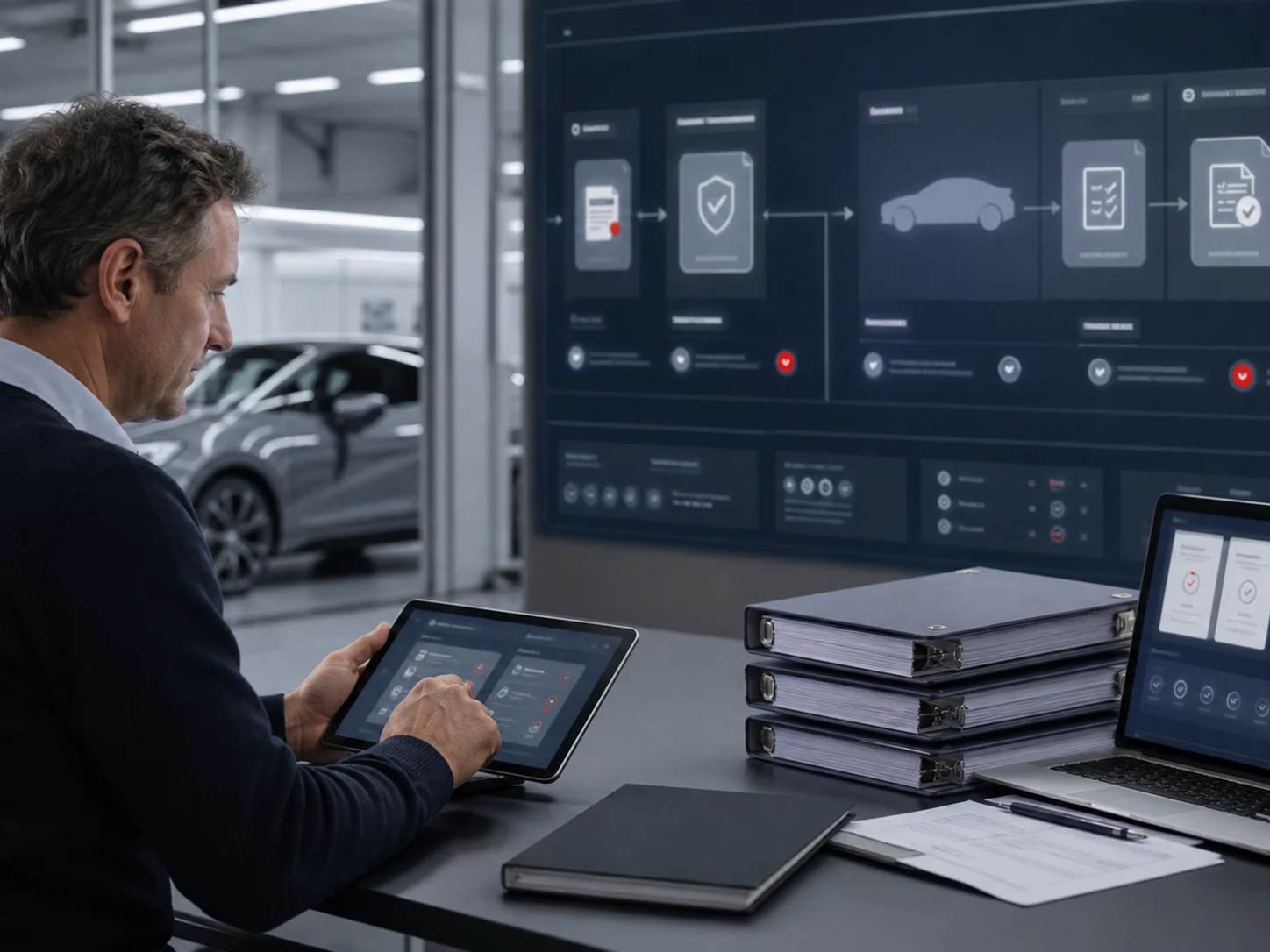
A vehicle record may pass through production, homologation and an authorised signatory before it is ready for the next step. Giving everyone the same access does not necessarily make that handover clearer. A better starting point is to agree who owns each task, then configure access around those responsibilities.
List the work your team needs to carry out: maintaining manufacturer details, managing approval records, preparing vehicle data and reviewing documents. Use those tasks to decide which access each person needs. The Users & Access area brings account roles and status into view. The accompanying video introduces those fields and existing accounts; it does not create a new user.
A colleague preparing vehicle information may not need every administrative permission. Consider the scope of their job rather than granting the broadest role available. Revisit that decision when duties change. This helps your company avoid carrying an early setup decision into a larger team without reviewing whether it still fits.
Preparing a record and signing its XML are separate responsibilities. Review the authorised person’s name, role, signing method and authorisation dates, then consider the certificate arrangement. Creating that authorisation is not a completed signature and does not automatically grant authority-submission permission. Connect this task to the checks in the signing-readiness guide.
When a session or access change needs attention, review the relevant history first. Session times, sign-in methods and permission changes can provide useful context for an investigation or support discussion. They should not be treated as a complete security assessment on their own. The video reviews existing information without granting new support access.
Tell us how preparation, review and signing are divided across your team. We can discuss an access arrangement that supports the way you work.
Updated: 17 October 2026 · Electronic COC Platform
Continue with Electronic COC articles that connect eCoC readiness, manufacturer rollout and certificate release control.
A clear explanation of Electronic COC and how it helps manufacturers control eCoC readiness, IVI XML, signing and certificate delivery.

How an Electronic Certificate of Conformity platform supports manufacturer teams with readiness visibility, ownership and release control.
A practical guide for moving certificate work away from paper, scattered files and unclear eCoC handovers.